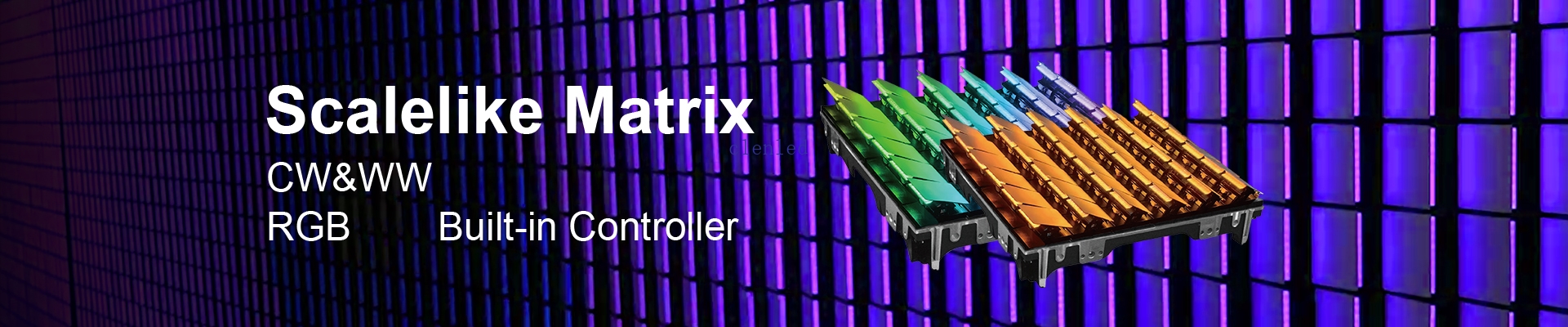


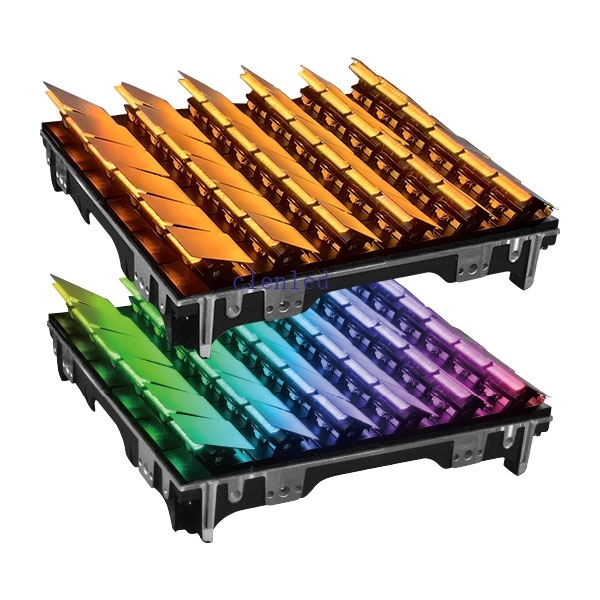
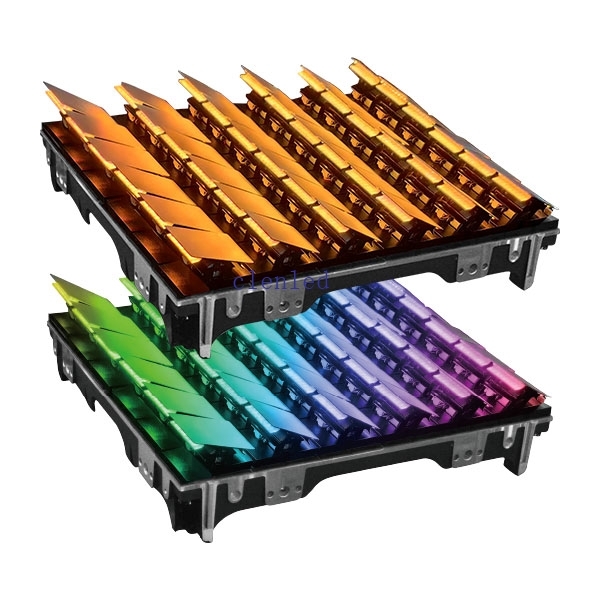
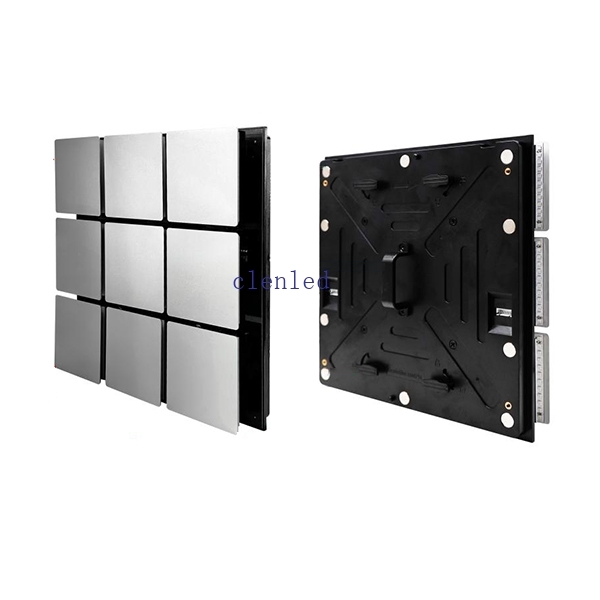
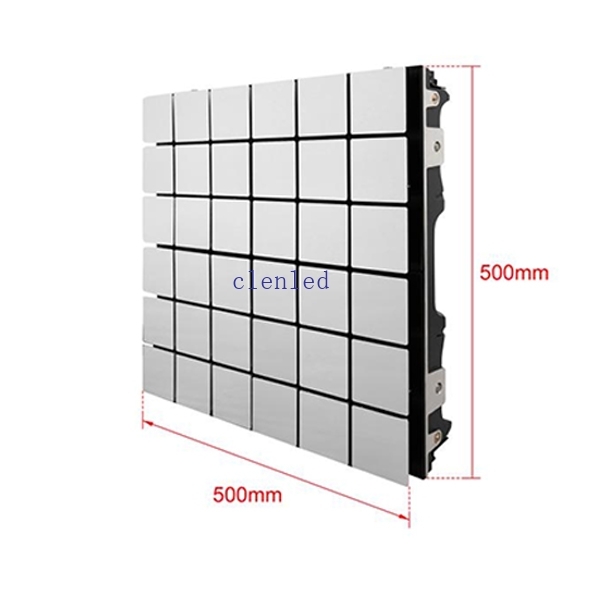
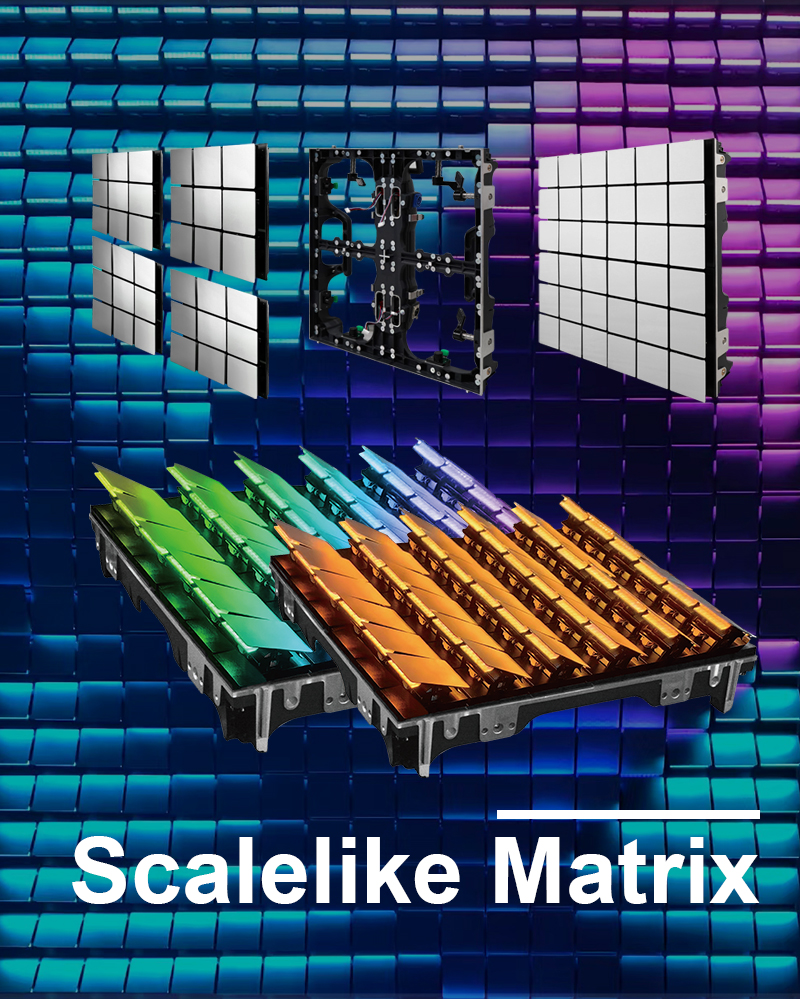
Working voltage(AC):A110-220V Max Power:180W
LED type:3030RGB Number of cascade units:254PCS
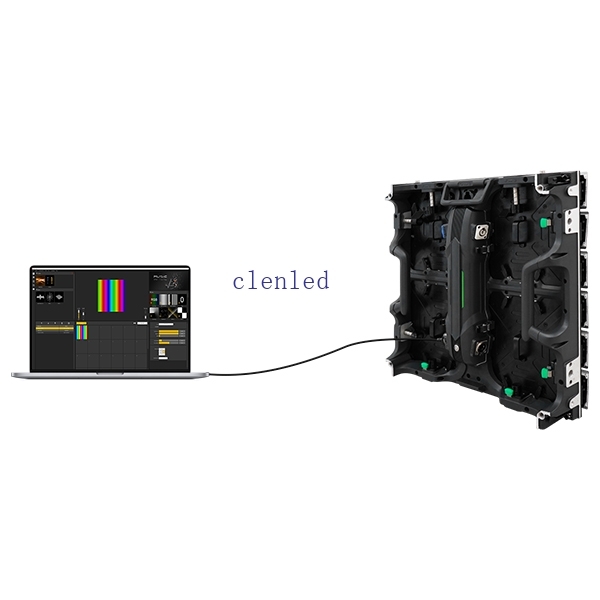
Control mode:Artnet Weight:10KG
Channel :RGBW Size:500*500*110mm
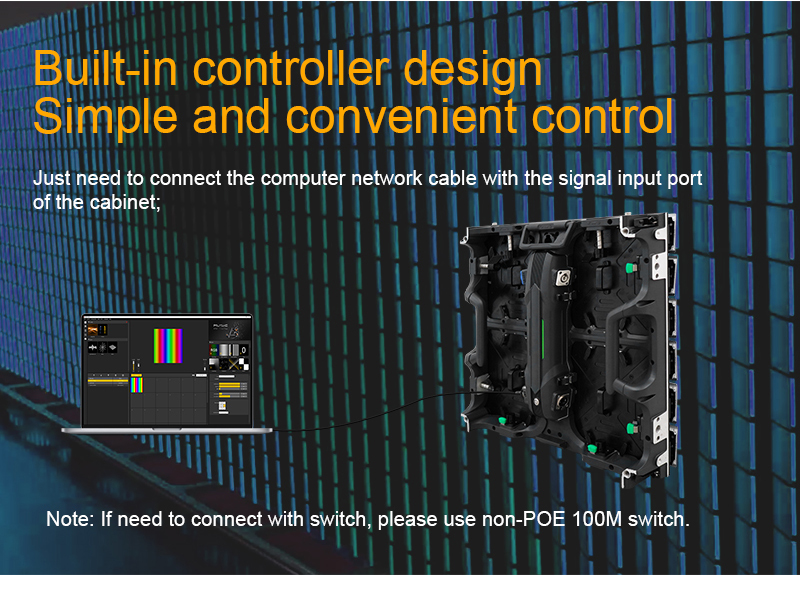
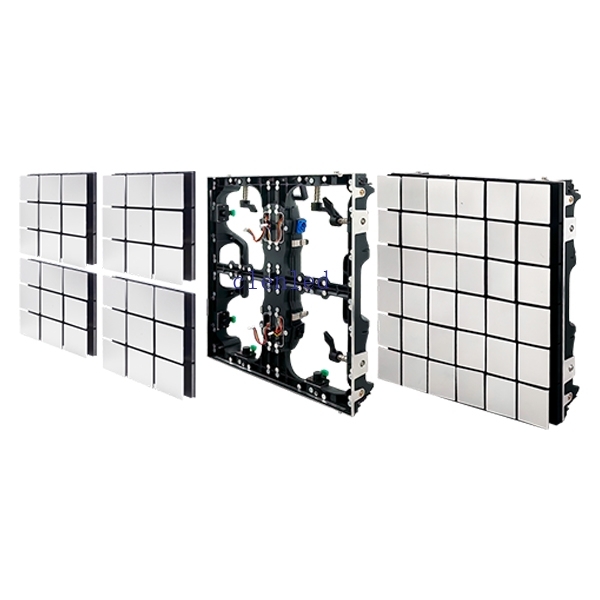
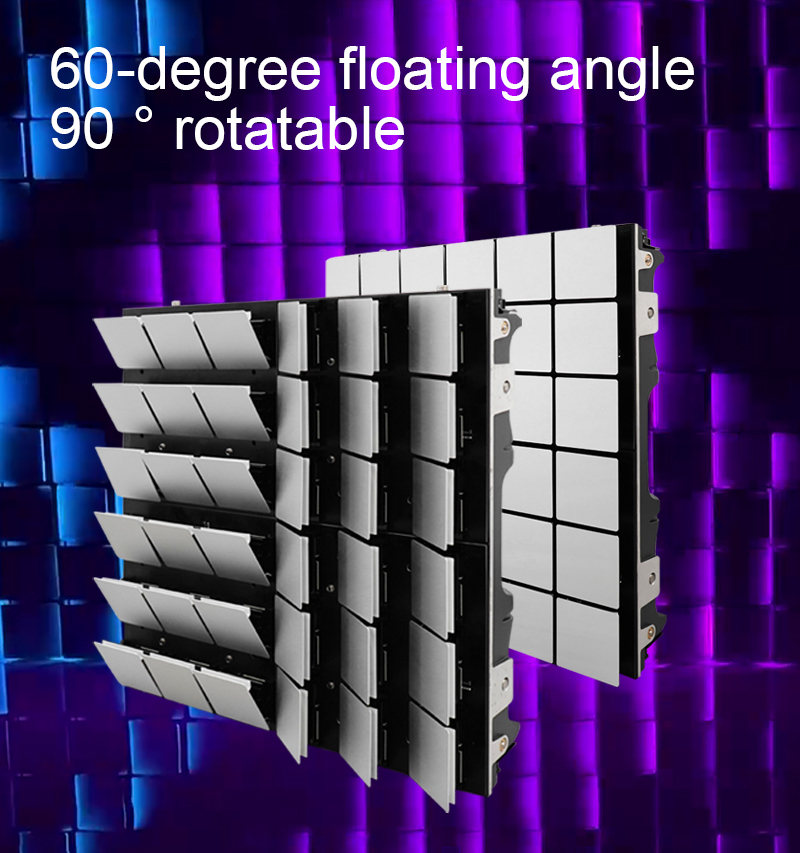
Scalelike Matrix Cabinet installation
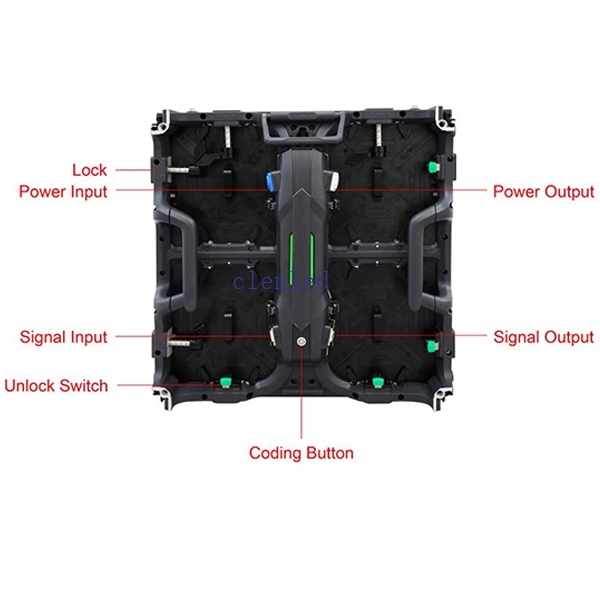
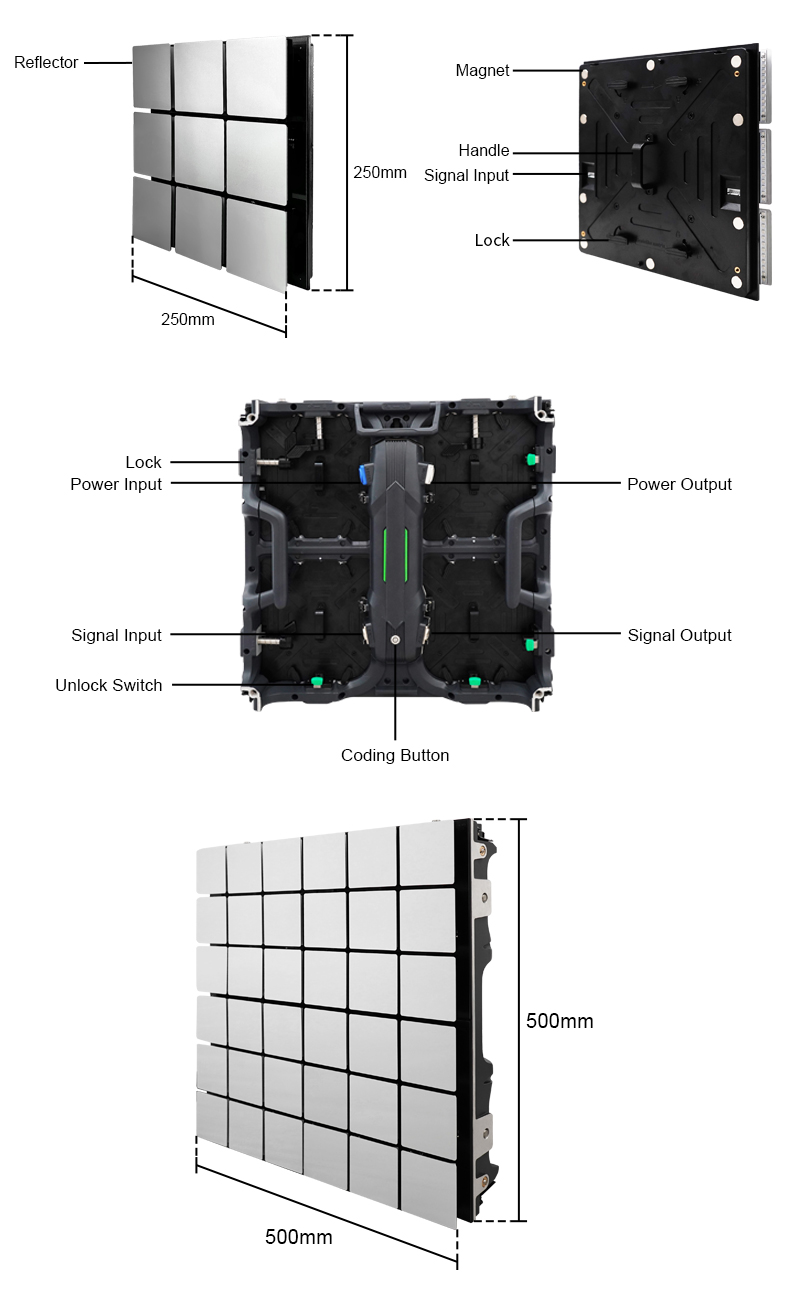
The action module has a magnetic suction + lock to double fix the boxConnect the signal output port
of the cabinet with the signal input port of the action module ;
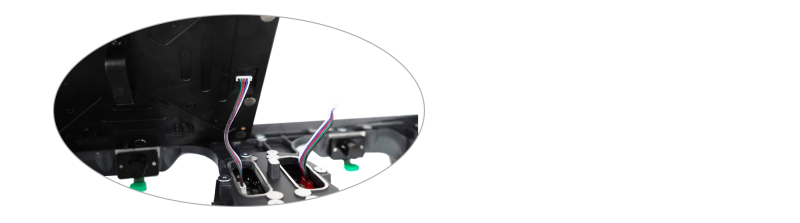
of the cabinet with the signal input port of the action module ;
The back of the action module is magnetically fixed close to the cabinet;
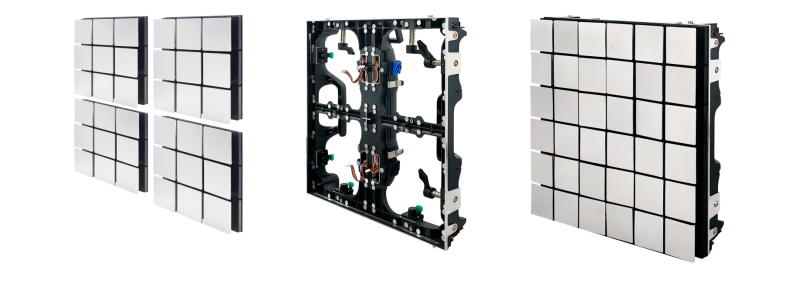
Follow the instructions to turn the lock on the back of the Scalelike Matrix to complete
the fixed installation;
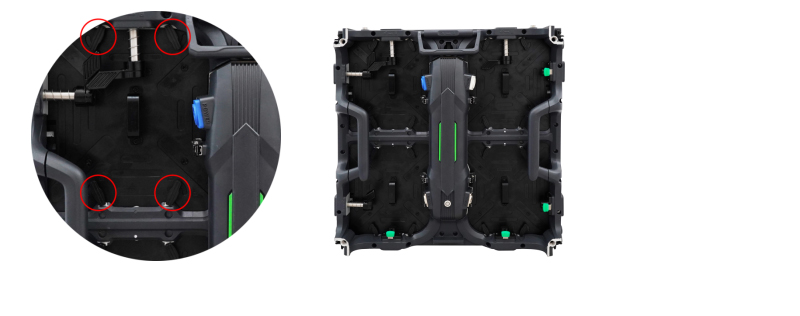
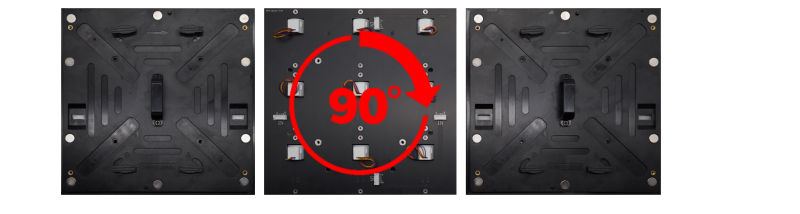
Remove the screws on the back of the module,Separate the action module and rotate
the module 90°;
Cabinet splicing
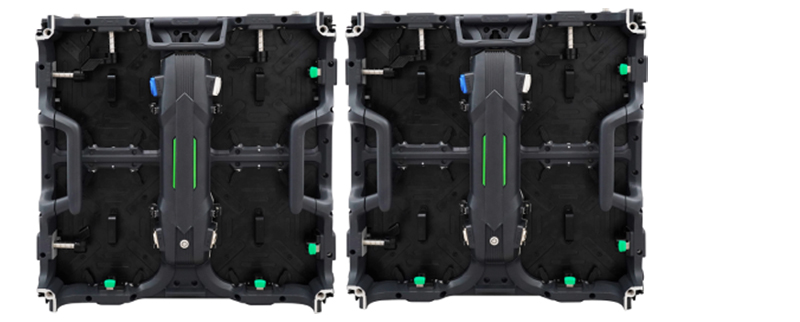
After aligning the cabinet, press the lock into the cabinet and turn the lock to fix according
to the direction of the lock;
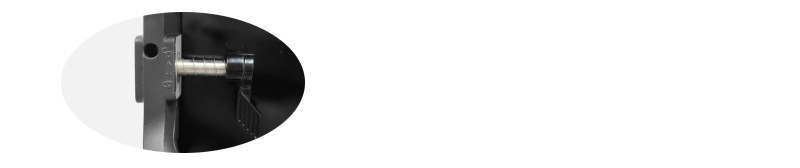
Press the green unlock switch to open the lock;
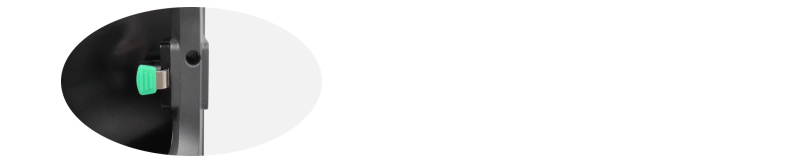
Scalelike Matrix cabinet wiring
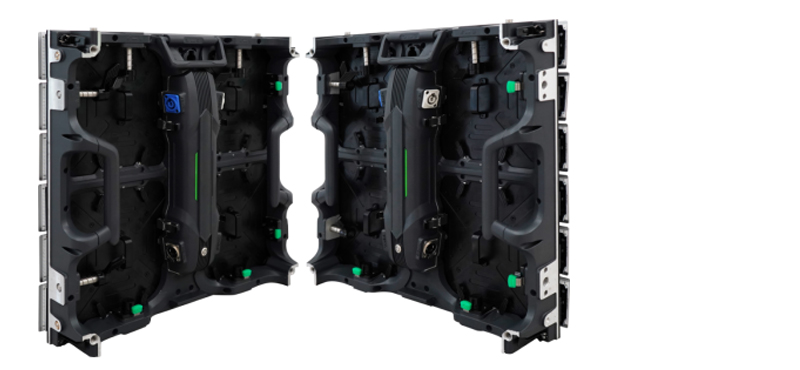
Power cable cascading: the output end of the previous cabinet is connected to the input
end of the next cabinet to complete the power cascading;(The power cable can connect
max 12pcs cabinets together)
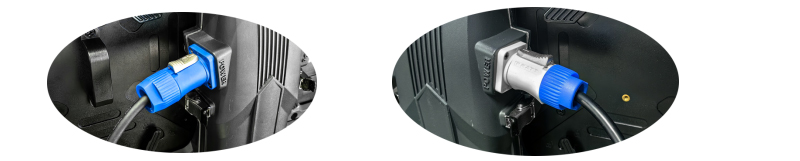
Signal cable cascading: the signal output of the previous cabinet is connected to the signal
input of the next cabinet to complete the signal cascading;
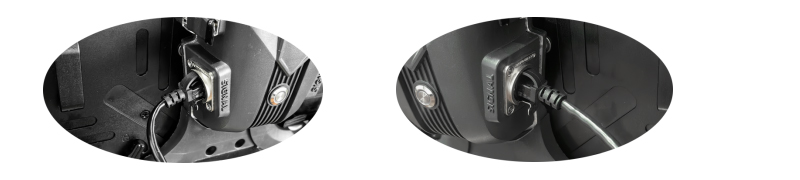
Note: The left side of the cabinet is the signal input port, and the right side is the signal
output port. Please connect them correctly.
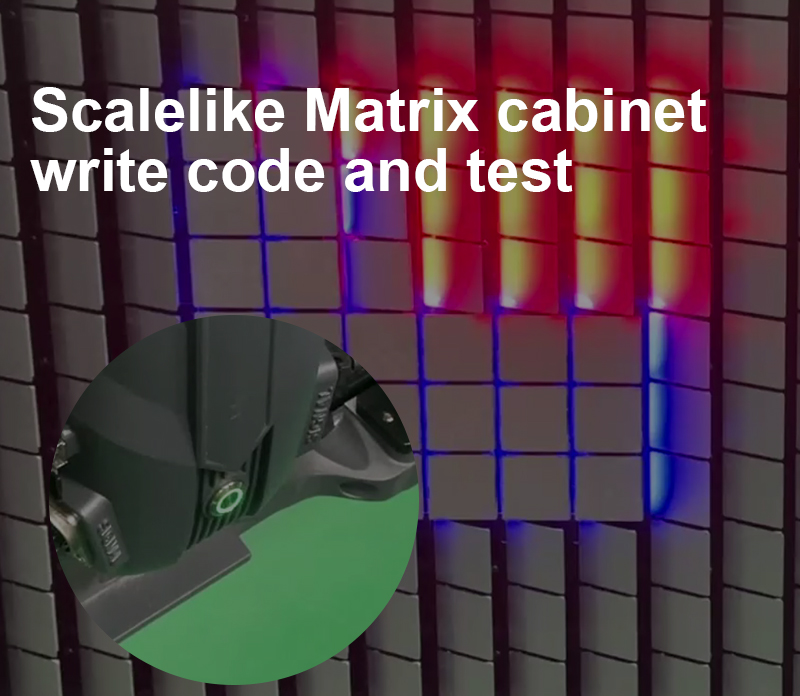
Button function
Single-click:ARTNET mode: Cabinet test, check whether the cabinet can work normally
SD card mode:Switch built-in effects
Double-click:Single cabinet code writing test
Triple-click:Switch between Artnet mode and SD card mode
Press and hold the button for 4-8 seconds: Until the red light flashes, release the button to complete coding for all cabinets
Press and hold for more than 10 seconds: The red light turns off, and the factory settings are restored
Flight case packing
.jpg)
255 indicates all green in the display effect
Channel 3 B Indicates the blue in the effect, 000 is the original effect,
255 indicates all blue in the display effect Reset to factory setting
Channel 4 Control angle and speed Control angle: 0-255 values are evenly distributed with a 60°
rotation angle;
Button function
Single-click:ARTNET mode: Cabinet test, check whether the cabinet can work normally
SD card mode:Switch built-in effects
Double-click:Single cabinet code writing test
Triple-click:Switch between Artnet mode and SD card mode
Press and hold the button for 4-8 seconds: Until the red light flashes, release the button to complete coding for all cabinets
Press and hold for more than 10 seconds: The red light turns off, and the factory settings are restored
Flight case packing
Single pixel mode Channel list
Channel Function Function Description
Channel 1 R Indicates the red in the effect, 000 is the original effect,
255 indicates all red in the display effect
Channel 2 G Indicates the green in the effect, 000 is the original effect,Channel Function Function Description
Channel 1 R Indicates the red in the effect, 000 is the original effect,
255 indicates all red in the display effect
255 indicates all green in the display effect
Channel 3 B Indicates the blue in the effect, 000 is the original effect,
255 indicates all blue in the display effect Reset to factory setting
Channel 4 Control angle and speed Control angle: 0-255 values are evenly distributed with a 60°
rotation angle;
Control speed: the speed changes according to the change rate
of 0-255 value;
255 indicates all green in the display effect
Channel 3 B Indicates the blue in the effect, 000 is the original effect,
255 indicates all blue in the display effect Reset to factory setting
Channel 4 R Indicates the red in the effect, 000 is the original effect,
255 indicates all red in the display effect
Channel 5 G Indicates the green in the effect, 000 is the original effect,
255 indicates all green in the display effect
Channel 6 B Indicates the blue in the effect, 000 is the original effect,
255 indicates all blue in the display effect Reset to factory setting
Channel 7 Control angle and speed Control angle: 0-255 values are evenly distributed with a 60°
rotation angle;
of 0-255 value;
Dual-pixel mode Channel list
Channel Function Function Description
Channel 1 R Indicates the red in the effect, 000 is the original effect,
255 indicates all red in the display effect
Channel 2 G Indicates the green in the effect, 000 is the original effect,Channel Function Function Description
Channel 1 R Indicates the red in the effect, 000 is the original effect,
255 indicates all red in the display effect
255 indicates all green in the display effect
Channel 3 B Indicates the blue in the effect, 000 is the original effect,
255 indicates all blue in the display effect Reset to factory setting
Channel 4 R Indicates the red in the effect, 000 is the original effect,
255 indicates all red in the display effect
255 indicates all green in the display effect
Channel 6 B Indicates the blue in the effect, 000 is the original effect,
255 indicates all blue in the display effect Reset to factory setting
Channel 7 Control angle and speed Control angle: 0-255 values are evenly distributed with a 60°
rotation angle;
Control speed: the speed changes according to the change rate
of 0-255 value;
of 0-255 value;

 Mail me
 amaris
 Kim
Kim  13631598876