

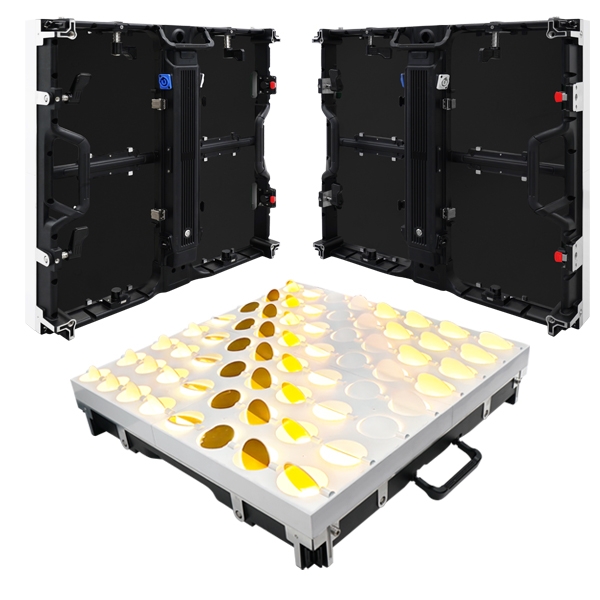
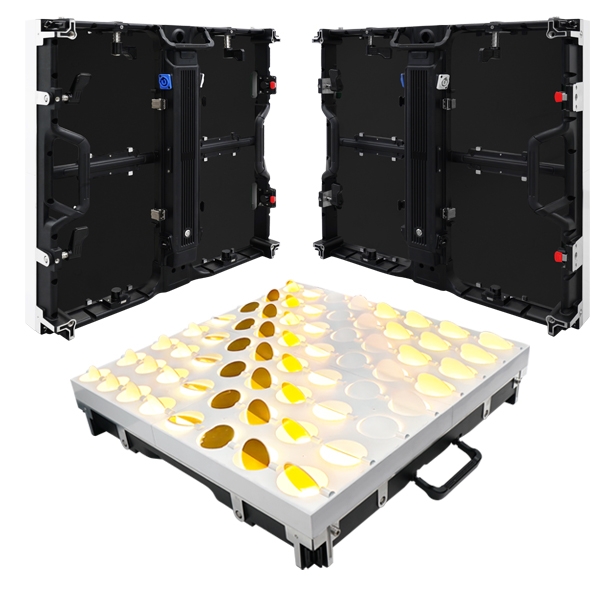
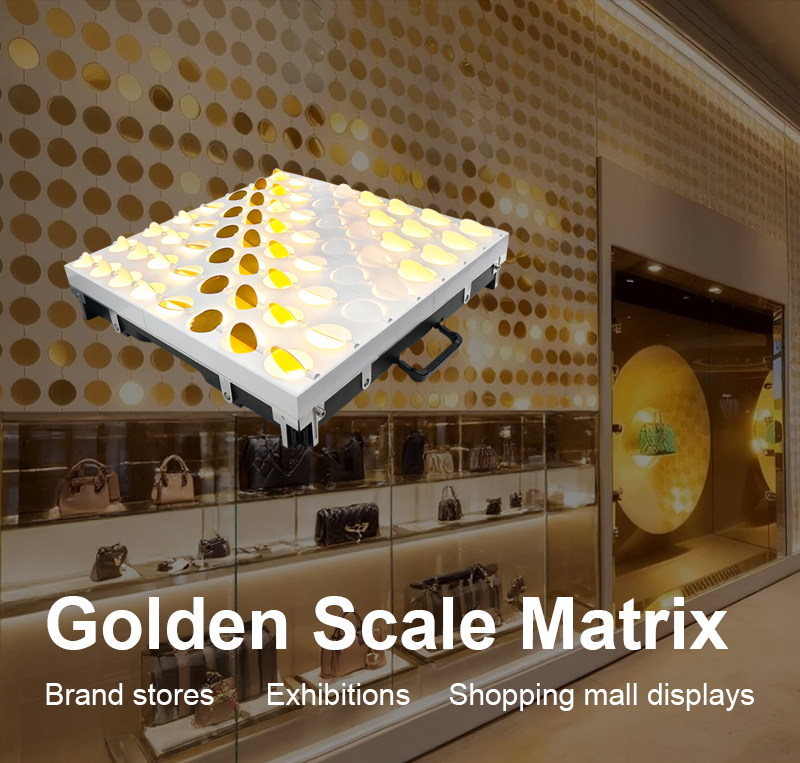
Working voltage(AC):A110-220V Max Power:200W
LED type:5050RGB Number of cascade units:254PCS
Control mode:Artnet Weight:9.25KG
Channel :RGB+MOVE Size:576*576*115mm
Pixel:24PCS Product material:PC+Aluminum
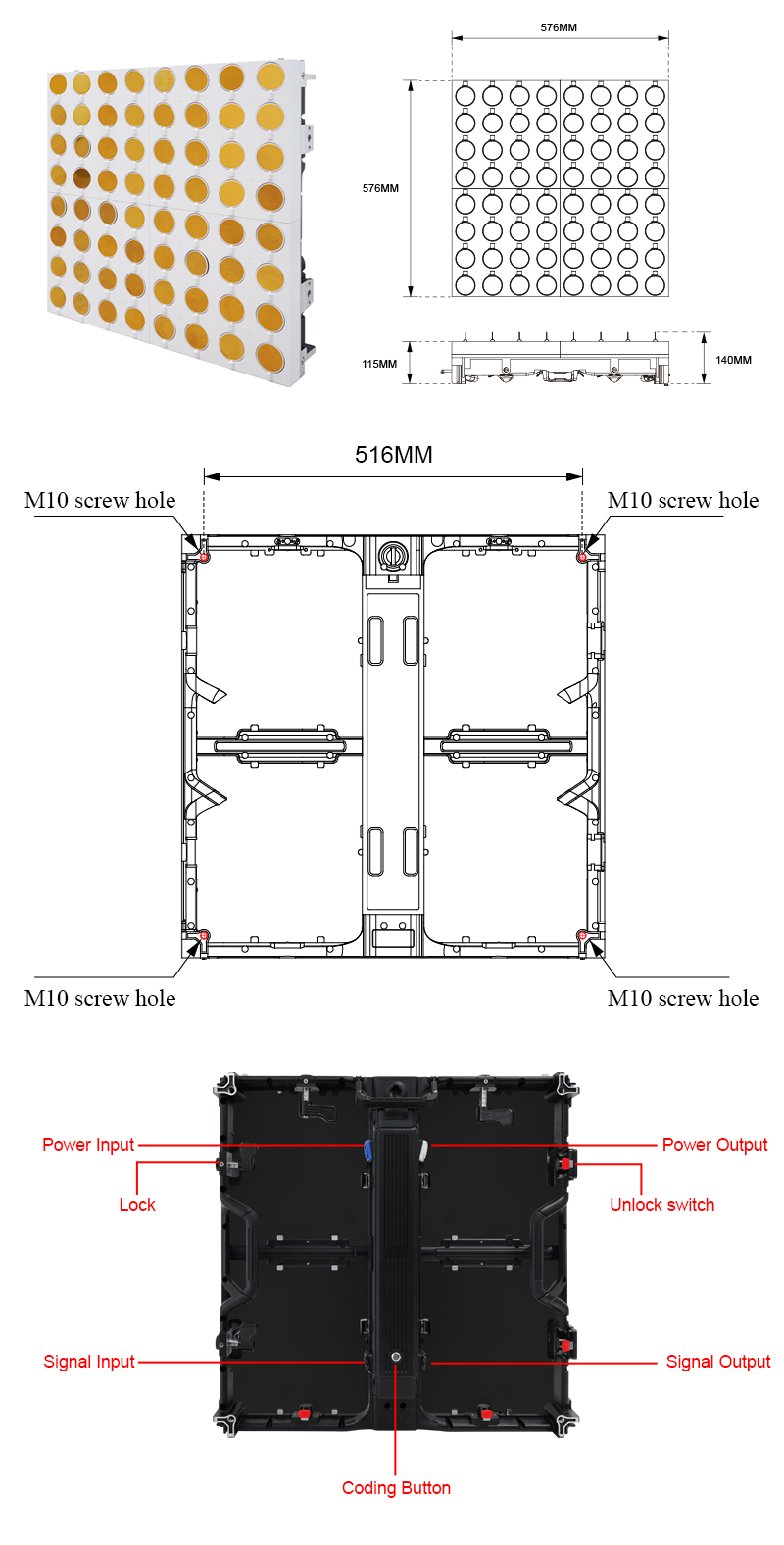
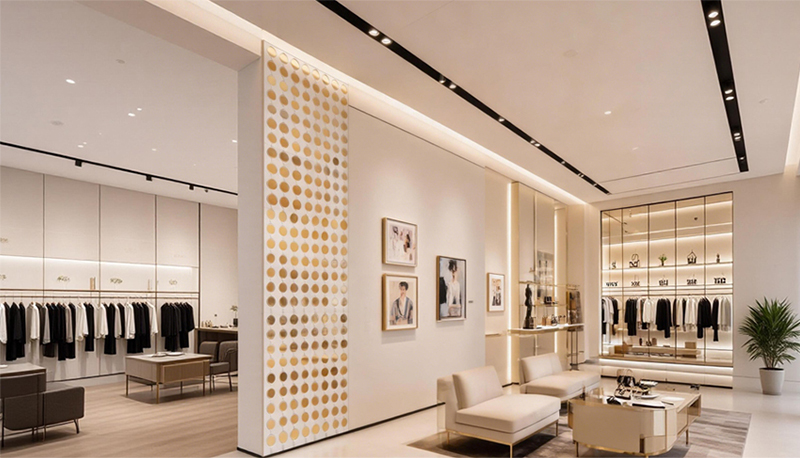
Cabinet connection
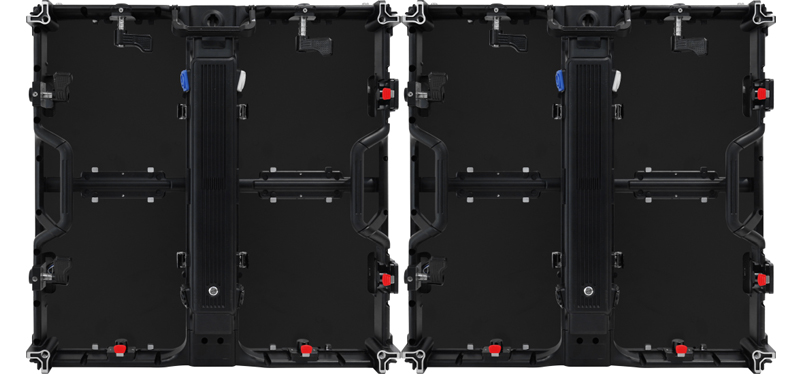
Cabinet connection
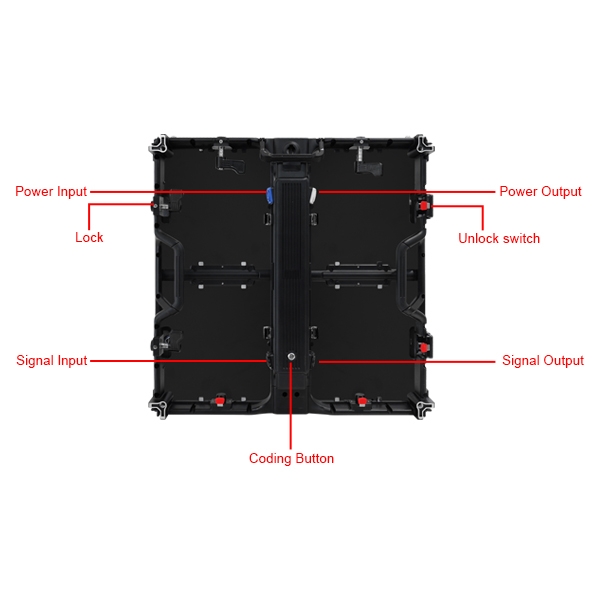
After aligning the cabinet, press the lock into the cabinet and turn the lock to fix according to the direction of the lock;
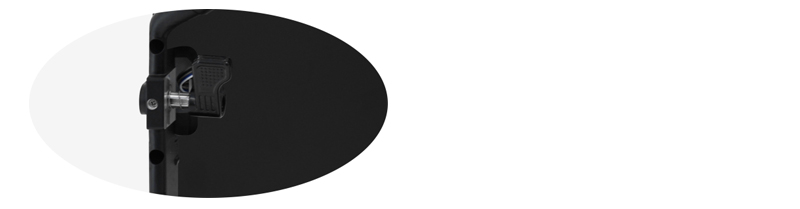
Press the red unlock switch to open the lock;
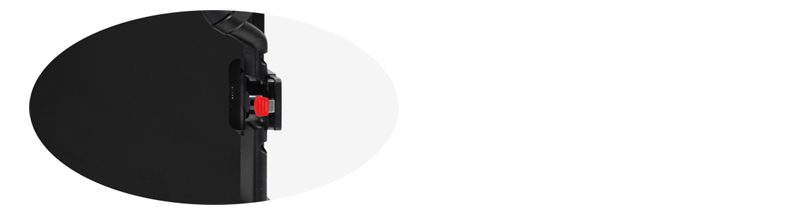
Fix cabinets with screw
Press the red unlock switch to open the lock;
Fix cabinets with screw
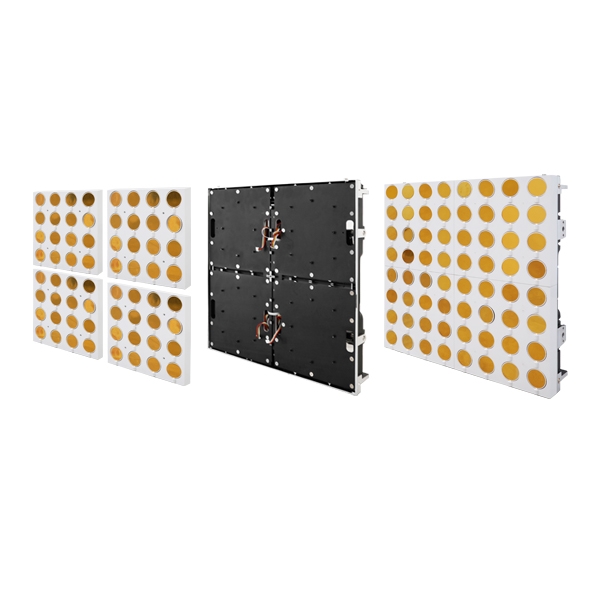
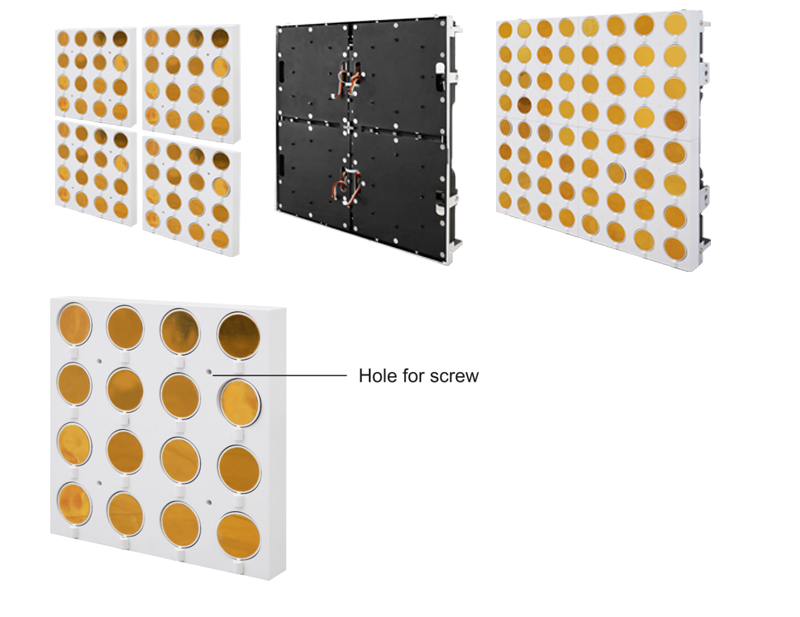
The back of the Golden Scale Matrix module is close to the cabinet, and screws can be installed on the front to fix the module.
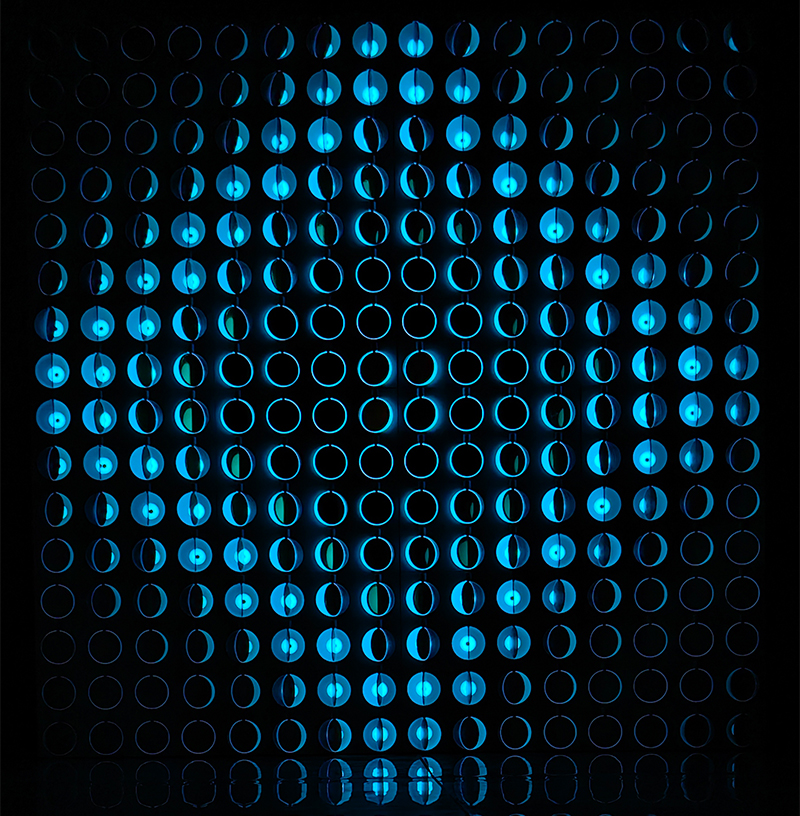
Golden Scalelike Matrix cabinet wiring
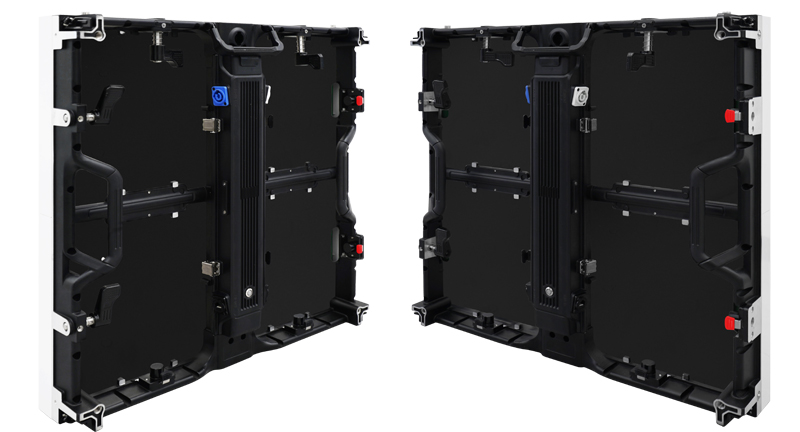
Golden Scalelike Matrix cabinet wiring
Power cable cascading: the output end of the previous cabinet is connected to the input end of the next cabinet to complete the power cascading;(The power cable can connect max 12pcs cabinets together)
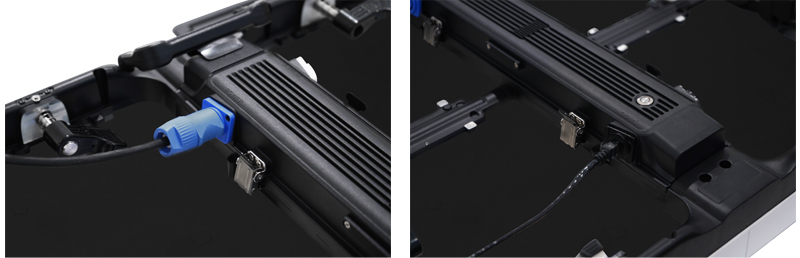
Signal cable cascading: the signal output of the previous cabinet is connected to the signal input of the next cabinet to complete the signal cascading;
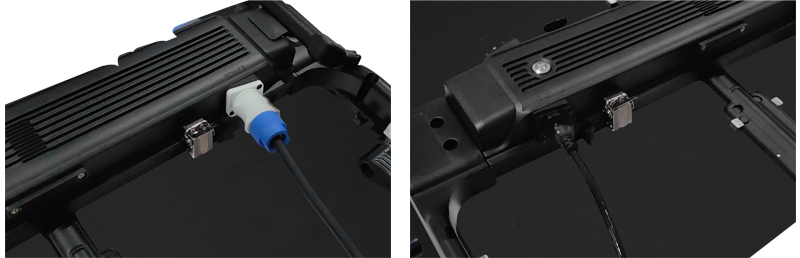
Note: The left side of the cabinet is the signal input port, and the right side is the signal output port. Please connect them correctly.
Golden Scalelike Matrix connection
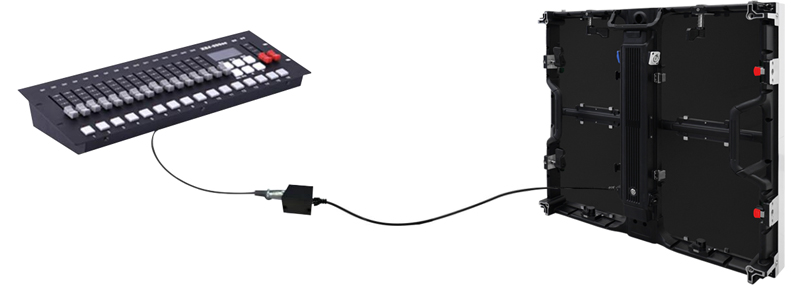
Control Golden Scalelike Matrix with Art-net Mode
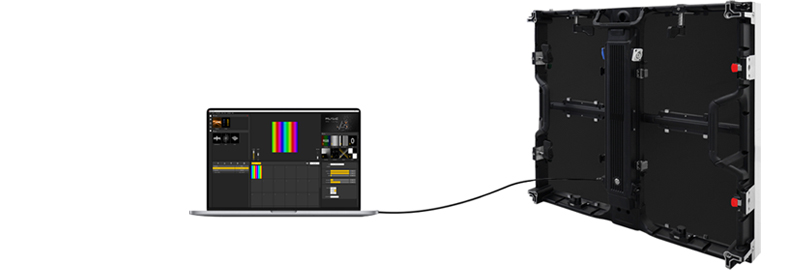
Golden Scalelike Matrix connection
Control Golden Scalelike Matrix with Art-net Mode
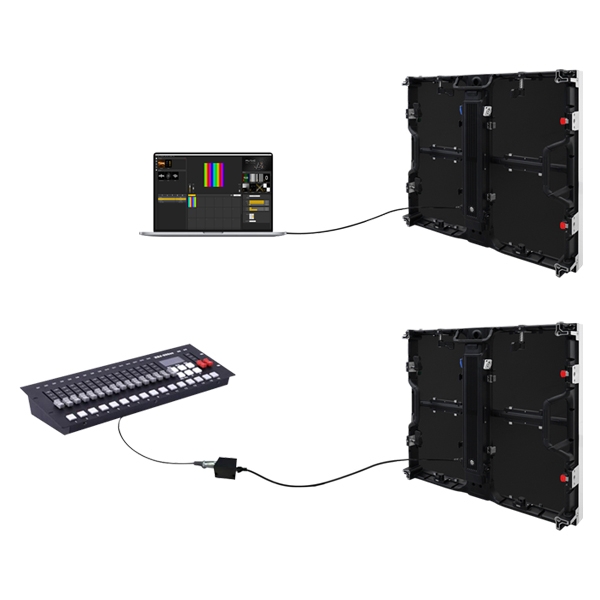
The Scalelike Matrix cabinet has a built-in controller. Just need to connect the computer network cable with the signal input port of the cabinet;
Note: If need to connect with switch, please use non-POE 100M switch.
Control channel list
Control channel list
Channel Function Functional Description
Channel 1 R Indicates the red in the effect, 000 is the original effect, 255 indicates
all red in the display effect
Channel 2 G Indicates the green in the effect, 000 is the original effect, 255
indicates all green in the display effect
Channel 3 B Indicates the blue in the effect, 000 is the original effect, 255
indicates all blue in the display effect
Channel 4 Control angle and speed Control angle: 0-255 values are evenly distributed with a 360°
rotation angle;
Channel 1 R Indicates the red in the effect, 000 is the original effect, 255 indicates
all red in the display effect
Channel 2 G Indicates the green in the effect, 000 is the original effect, 255
indicates all green in the display effect
Channel 3 B Indicates the blue in the effect, 000 is the original effect, 255
indicates all blue in the display effect
Channel 4 Control angle and speed Control angle: 0-255 values are evenly distributed with a 360°
rotation angle;
Control speed: the speed changes according to the change rate of
0-255 value;
0-255 value;

 Mail me
 amaris
 Kim
Kim  13631598876