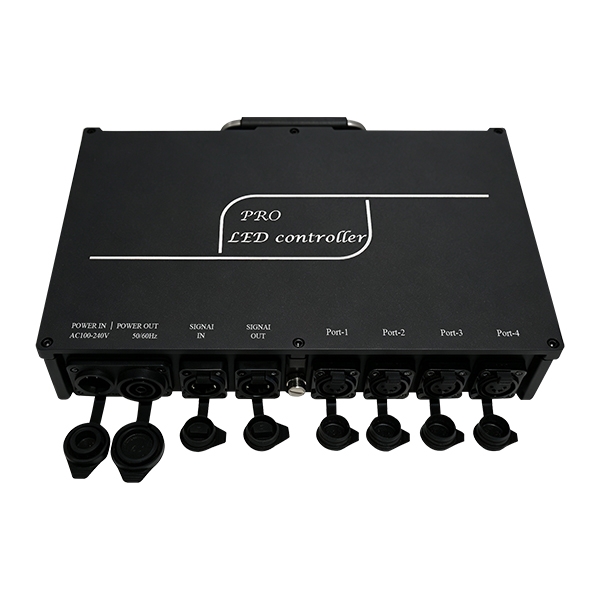
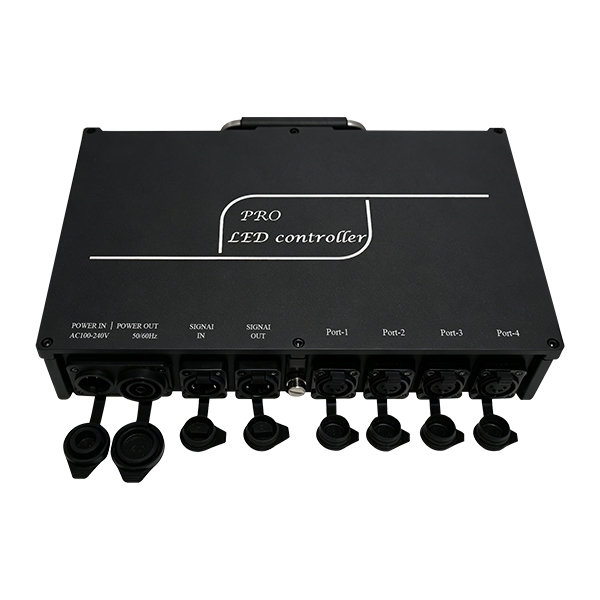
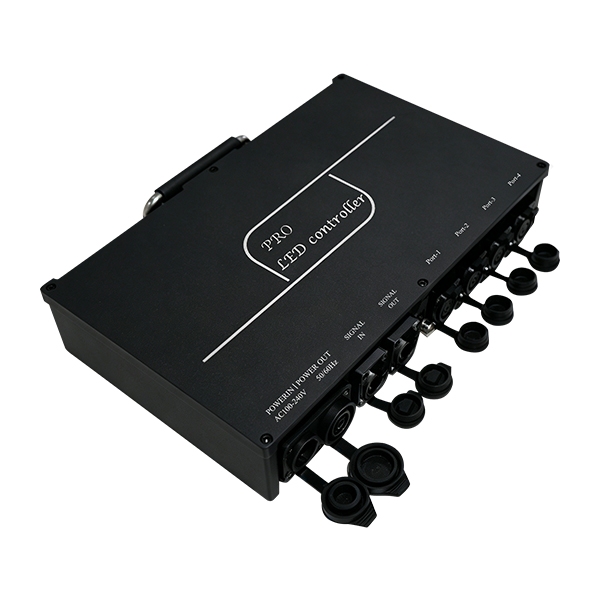
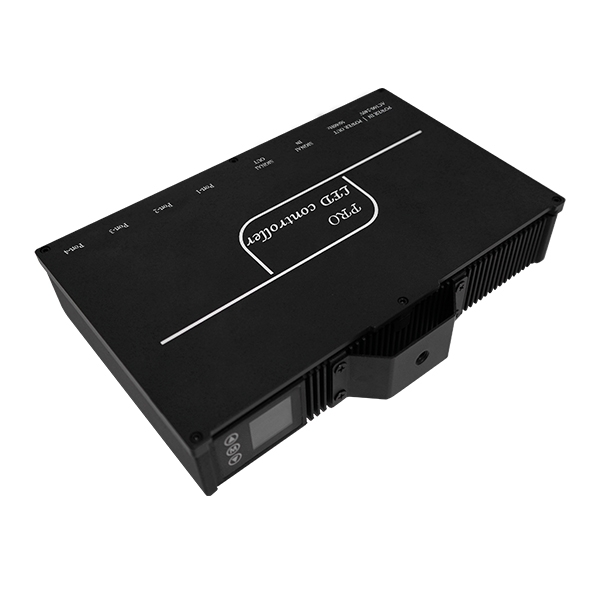
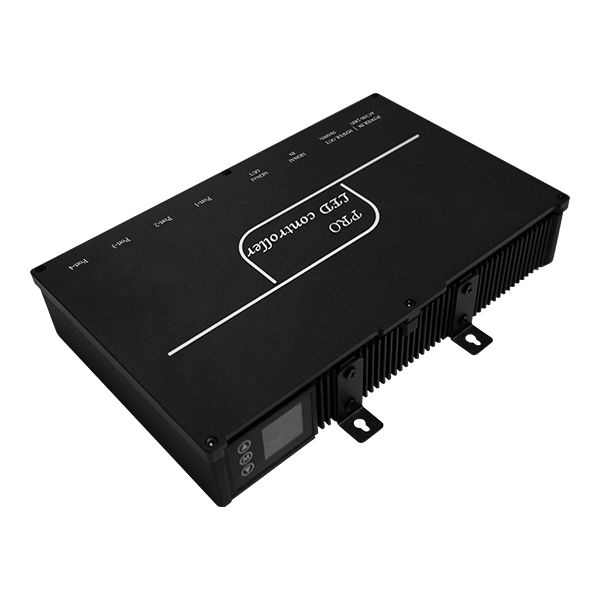
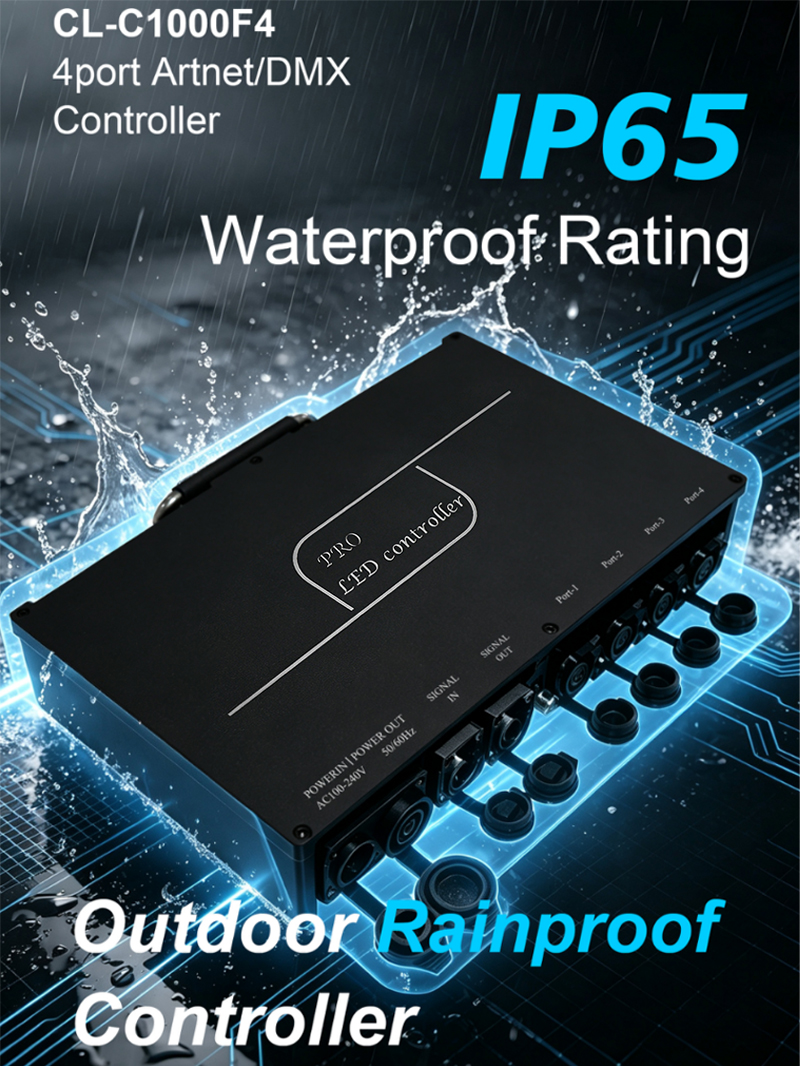
Working voltage: AC110~220V Output voltage: 24V
Power: 1000W Cascaded units: 254pcs
Control mode: ART-NET/DMX Working mode: ARTNET/SD Card
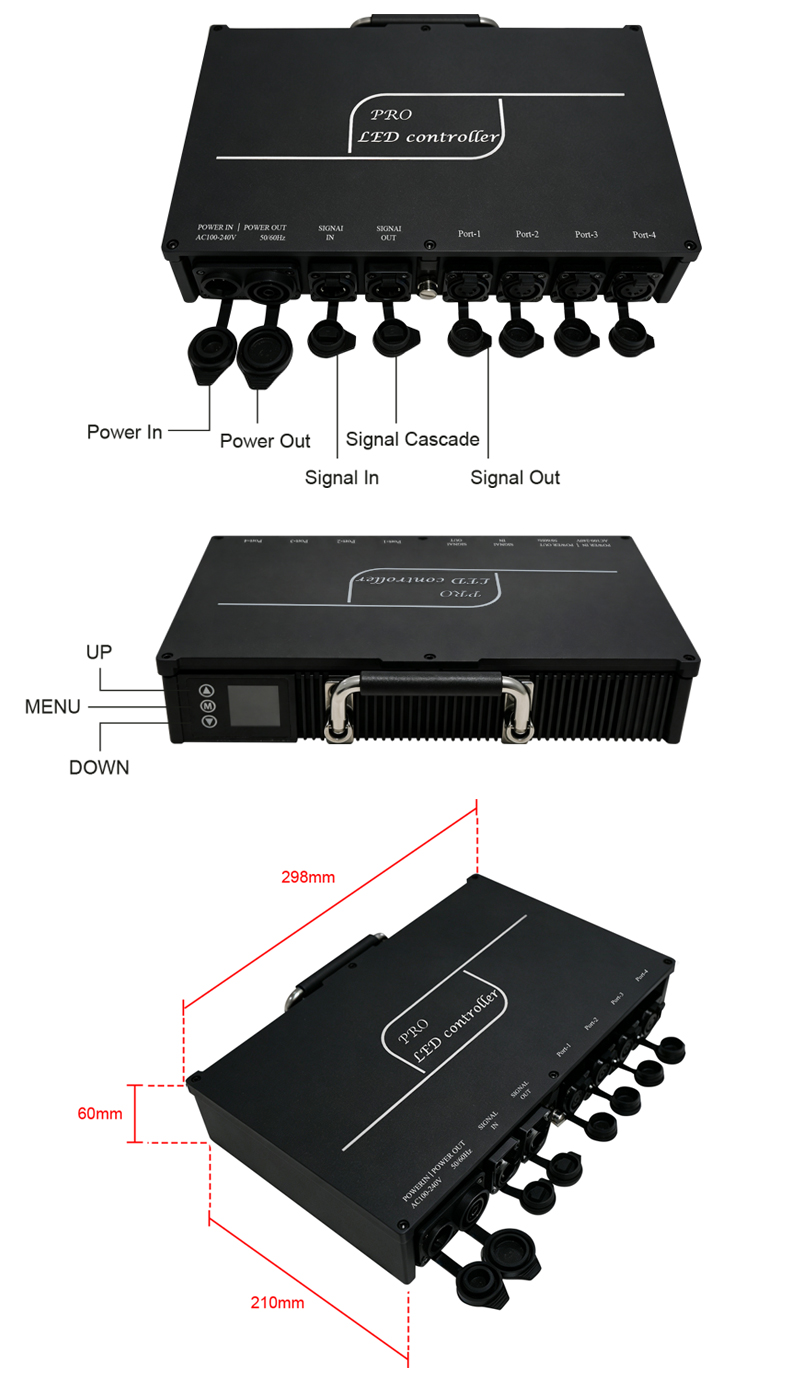
Port loading points: 4*680 Product size: 298*210*60mm
Gross weight: 3.7KG Waterproof grade: IP65
Installation Method
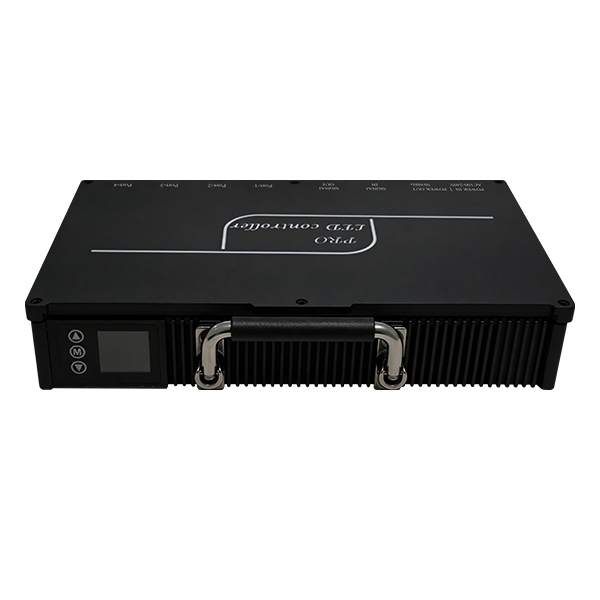
Portable Installation,The controller comes with a built-in metal handle for easy portable installation.
.jpg)
Suspension Mounting ,The fasteners can be used with stage lighting clamps for suspension mounting.
.jpg)
Wall Mounting,The fasteners can be used with screws and other accessories for wall mounting.
.jpg)
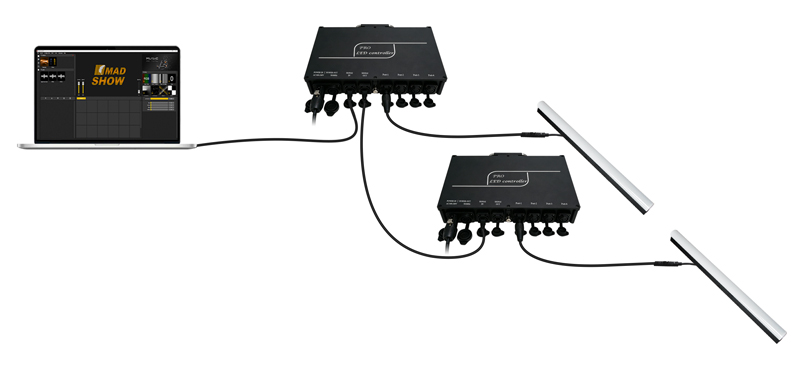
Controller connect lamps
Suspension Mounting ,The fasteners can be used with stage lighting clamps for suspension mounting.
Wall Mounting,The fasteners can be used with screws and other accessories for wall mounting.
Controller connect lamps
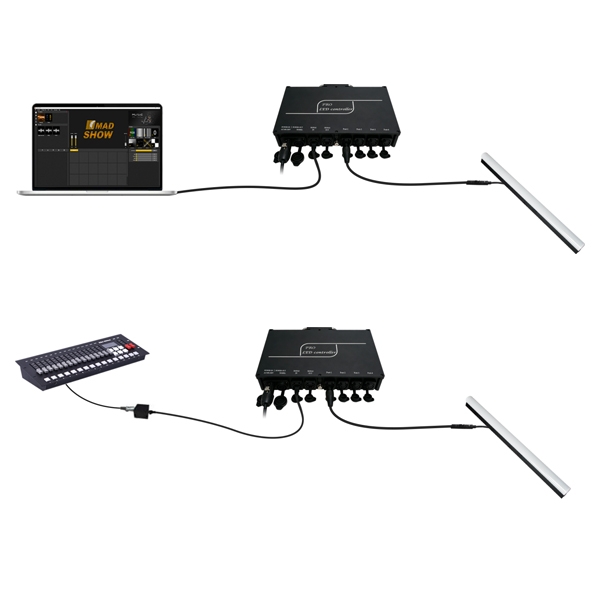
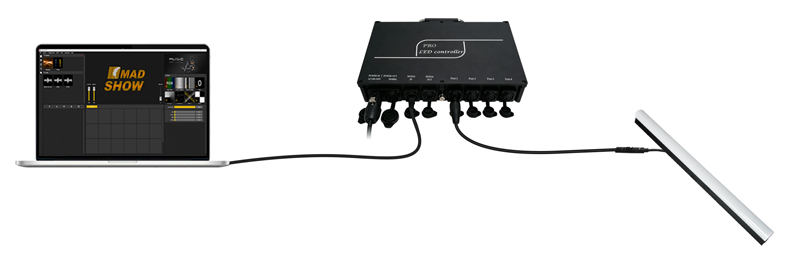
Connect the computer and the controller input port, turn on the power;Controller output port connected to lamp input port
Console connect controller
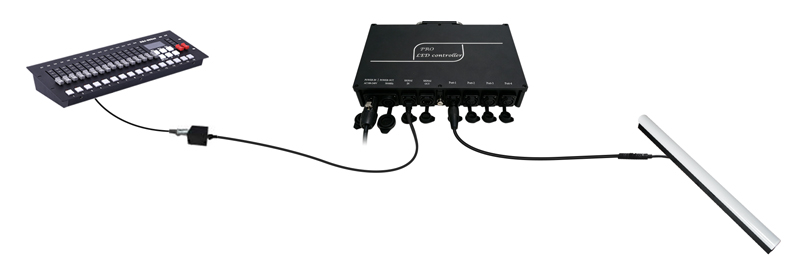
Console connect controller
Connect the console and the controller through the signal conversion board
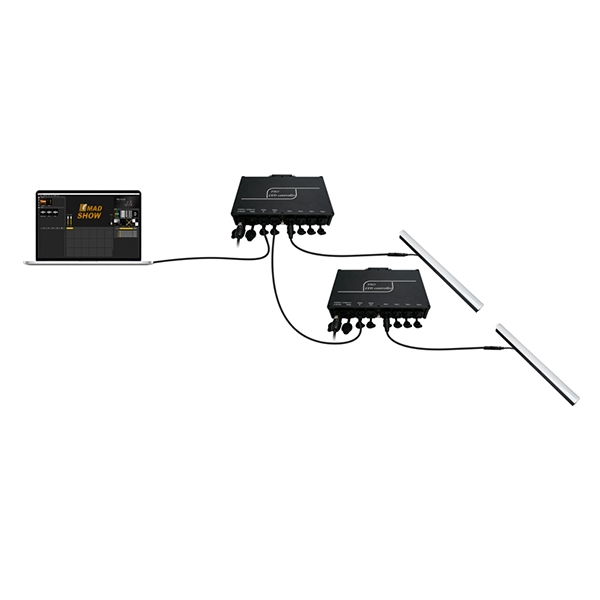
Multiple units can be used in cascade
Multiple units can be used in cascade
Connect the network cable to the output port and the input port of the next controller

Application
Application
1. Stage performance;
2. The site of the product/press conference;
3. Concert lighting control;
4. Bar and KTV lighting control
DMX Channel Table Description
Channel Name Figure Instructions
1 Mode selection 000-247 Call internal 31 effects (one effect for every 8 addresses, and 0-7 for
SD card effect 1)
048-255 Switch to ART-NET mode
2 Speed 000-255 0 is the slowest speed, 255 is the fastest speed, SD card mode is valid
3 Brightness 000-255 0 is the brightness off, 255 is the brightest, SD card mode is valid
4 R- mask 000-255 Subtract red from the effect. 000 is the original effect, and 255 means
subtract all red from the effect
5 G- mask 000-255 Subtract green from the effect. 000 is the original effect, and 255 is
subtracting all green from the effect
Channel Name Figure Instructions
1 Mode selection 000-247 Call internal 31 effects (one effect for every 8 addresses, and 0-7 for
SD card effect 1)
048-255 Switch to ART-NET mode
2 Speed 000-255 0 is the slowest speed, 255 is the fastest speed, SD card mode is valid
3 Brightness 000-255 0 is the brightness off, 255 is the brightest, SD card mode is valid
4 R- mask 000-255 Subtract red from the effect. 000 is the original effect, and 255 means
subtract all red from the effect
5 G- mask 000-255 Subtract green from the effect. 000 is the original effect, and 255 is
subtracting all green from the effect
6 B- mask 000-255 Subtract the blue in the effect. 000 is the original effect. 255 means
subtract all the blue in the effect
7 Invalid 000-007
Normally on 008-015 Constant bright white, color selection by mask (brightness, mask
channel available)
Stroboscopic 016-255 The higher the value, the faster the strobe (speed, brightness,
mask channel is effective)
subtract all the blue in the effect
7 Invalid 000-007
Normally on 008-015 Constant bright white, color selection by mask (brightness, mask
channel available)
Stroboscopic 016-255 The higher the value, the faster the strobe (speed, brightness,
mask channel is effective)

 Mail me
 amaris
 Kim
Kim  13631598876